How to Make a Skrillex-Style Dubstep Wobble Bass in the InternetDJ Studio
Build the wobble behind Skrillex and Excision from one detuned saw to a full drop in six steps, with a demo you can open and copy.
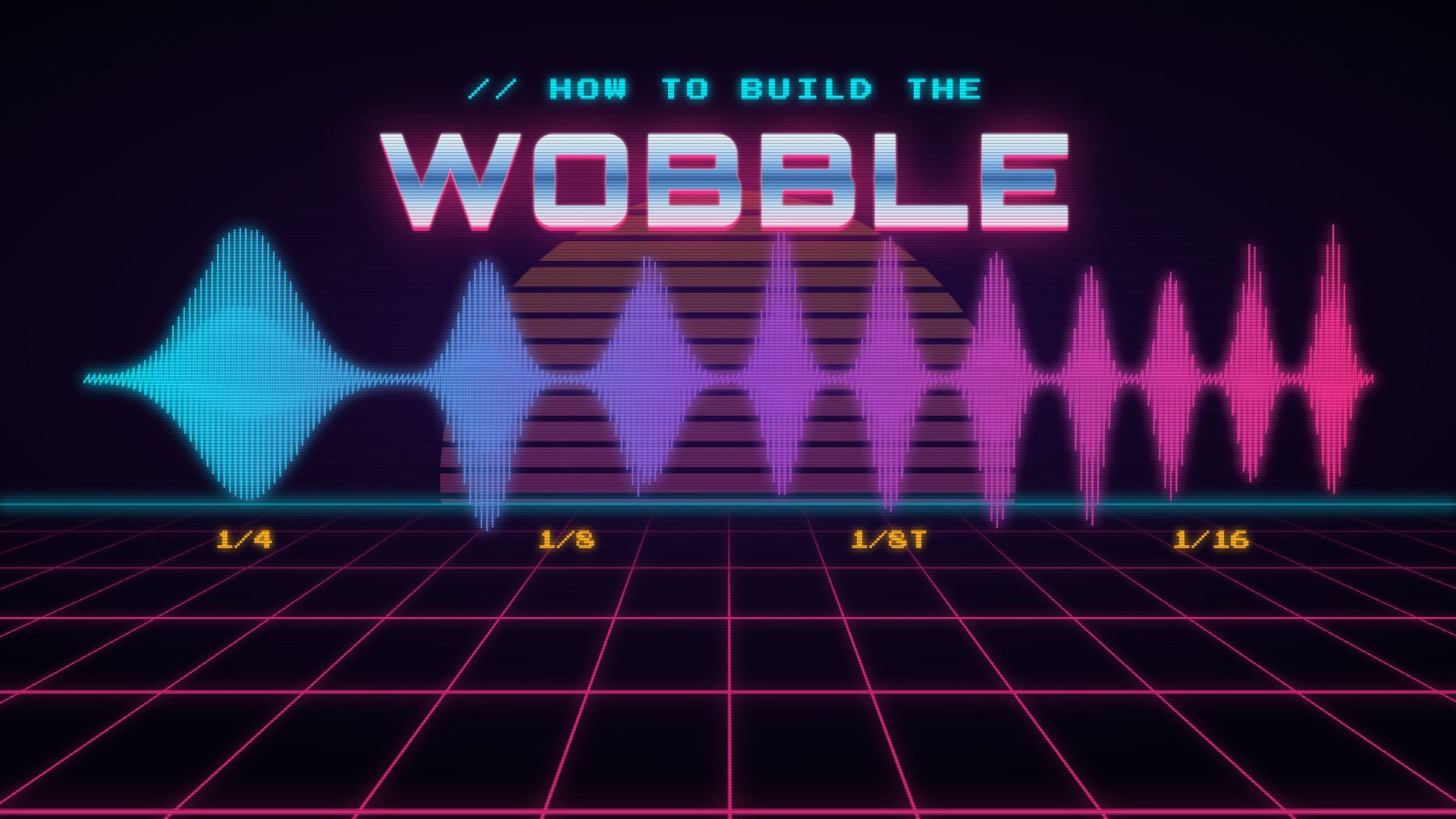
Quick answer: a wobble is a low-pass filter opening and closing on a bass note, moved by an LFO locked to the tempo. Give a synth a detuned sawtooth, a resonant Low-pass filter and an LFO on the Filter cutoff at 1/4, add hard Distortion and a Compressor, then draw the rhythm on the LFO rate lane.
The bass that talks: "wub wub wub", then "wububububu", a dead stop for the snare, a dive into the next bar. It is the sound of dubstep, from the early wobbles of Rusko and Caspa to the screaming basses of Skrillex and Excision. It sounds complicated. It is one simple idea with a few layers on top, and you can build it in your browser in six steps.
Hear it built
Play Wobble Bass, Step by Step. It is under a minute, and every four bars adds one step from this guide, each on its own track. Solo any track and open its settings to see exactly how it was made.
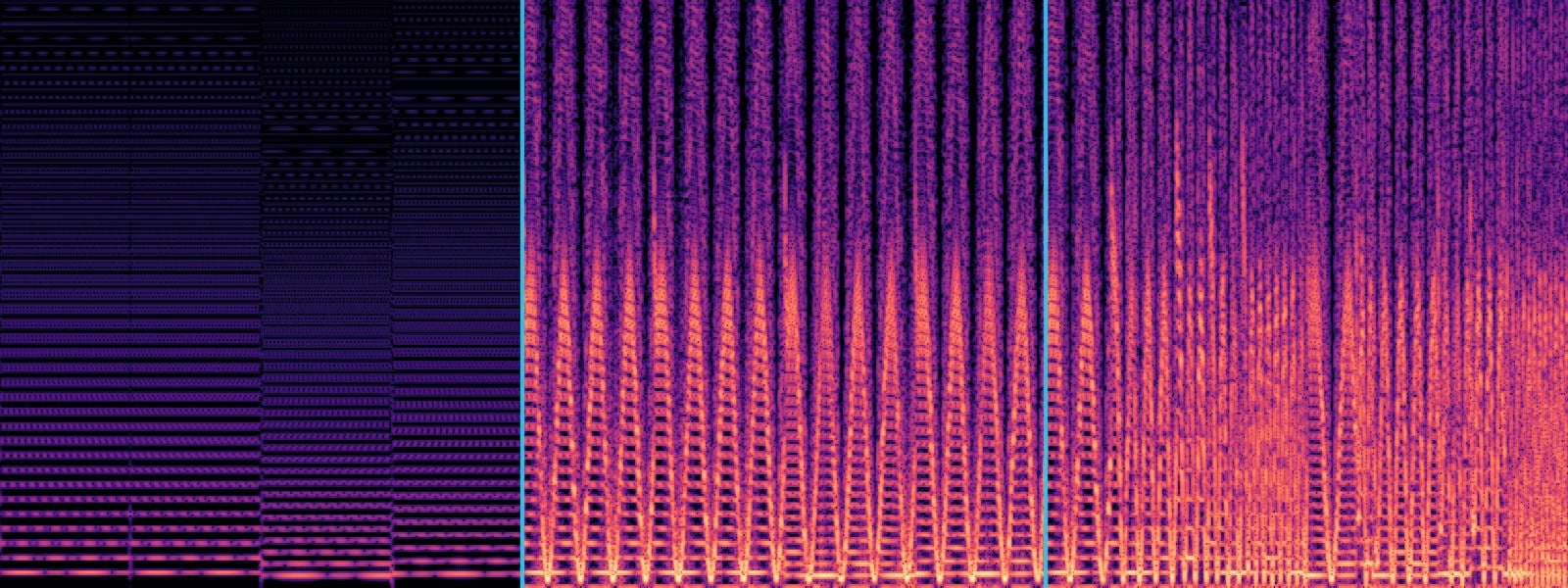
Steps 1 to 3, left to right: the raw saw, steady and unchanging; the basic wobble, swelling once on every beat; then the same wobble speeding up.
How a wobble works
A sawtooth note is bright and buzzy. A low-pass filter cuts its highs, so it sounds dark when closed and harsh when open. An LFO opens and closes the filter in time with the beat. Dark, bright, dark, bright: "wub, wub, wub". The LFO's speed is the rhythm, and changing that speed is the whole art.
Step 1: a detuned saw
Add an instrument track, open Track Settings (🎚️) and choose Piano (Synth). Untick Polyphonic Mode, since a bass plays one note at a time. Set the Waveform to Sawtooth (unison) with 3 Voices and a Spread of 45: three saws slightly out of tune, for a thick, beating sound. Write a few long notes near the bottom of the piano roll, just above the key labeled C2. Low notes make a bass. The demo plays four notes, one bar each, a few keys above C2.
Step 2: the filter and the LFO
This is the wobble itself.
- Filter: on, Low-pass, 24 dB/oct, Cutoff about 900, Resonance about 11. The resonance is the whistling peak that makes it sound vocal.
- LFO: on, Moves Filter cutoff, Shape Sine, Rate 1/4, LFO Depth 0.95. Rate 1/4 is one "wub" a beat, locked to your tempo.
- Effects (🎛️): Distortion at 0.95, then a hard Compressor (Threshold −32, Ratio 14, fast Attack and Release). The distortion turns the sweep into a snarl. The compressor makes every wobble the same size.
Step 3: draw the rhythm
A wobble stuck on 1/4 gets old fast. The real thing changes speed mid-phrase. Click Show automation on the track's row, choose LFO rate, and click in points. They snap to note lengths and jump on the beat:
- 1/4: the slow, classic wub.
- 1/8: the everyday wobble.
- 1/8 triplet: the rolling gallop.
- 1/16: a fast buzz, in short bursts into the snare.
Move the notes too: an octave up for a sixteenth and straight back down gives the wobble a melody.
Step 4: three layers
Big wobbles are several sounds on the same notes. Add two tracks and copy the notes across (Ctrl+C and Ctrl+V, or Cmd on a Mac).
- Scream, the lead: your step 3 sound plus a Bitcrusher, an EQ boost around 1,400 Hz with the lows cut at 160 Hz, and a Chorus at full Spread for width.
- Body, the weight: an FM Synth (Harmonicity 0.5, Mod Index 14) through a darker filter and heavy distortion. It growls underneath.
- Talk, the voice: a Square an octave up through a Band-pass filter, its LFO fixed on 1/8 triplet. It sounds like a vowel talking over the top.
Give the scream and the body the same LFO rate lane.
Step 5: move the pitch
Use the Detune lane (1,200 cents is an octave) on all three layers:
- Rise: start a note at −1200 and slide to 0 over half a beat.
- Fall: slide from 0 to −1200 at the end of a note.
- Tape stop: sag over a whole bar to −1200 while the LFO slows and the filter closes, like a turntable losing power. Hear it in bar 32.
Step 6: fit it in the mix
- Add a sub. A plain Sine an octave below carries the deep end, so the wobble layers can cut their lows. Keep it in the middle.
- Duck to the drums. In each bass track's effects, tick Sidechain, follow the Kick (Depth 0.3, Release 0.16), then Duck to another track too for the Snare. Duck the sub deeper, around 0.7. Our sidechain guide explains the knobs.
- Keep the lows mono. Cut the lows before any chorus or stereo width, so nothing under about 150 Hz goes wide.
Quick fixes
- Barely wobbling: raise LFO Depth and bring the Cutoff down to 600 to 1,000 Hz.
- Thin: more Distortion, and add the FM body layer.
- Out of time: set the LFO Rate to a note length, not Free (Hz).
- Muddy: cut the lows on every wobble layer, let the sub carry them, and duck to the kick.
Take it apart
Wobble Bass, Step by Step is open for anyone to copy. Take a copy, redraw the LFO rate lane on Step 3: Rate lane, or switch the scream's LFO Shape to Square and hear it turn into a hard chop. Every exact setting is in the tracks.